
New from Fabreasy: PDFixer, a local Windows app for fast PDF corrections. Open the secure download page
PDFIXER · LOCAL WINDOWS PDF EDITOR · FROM FABREASY
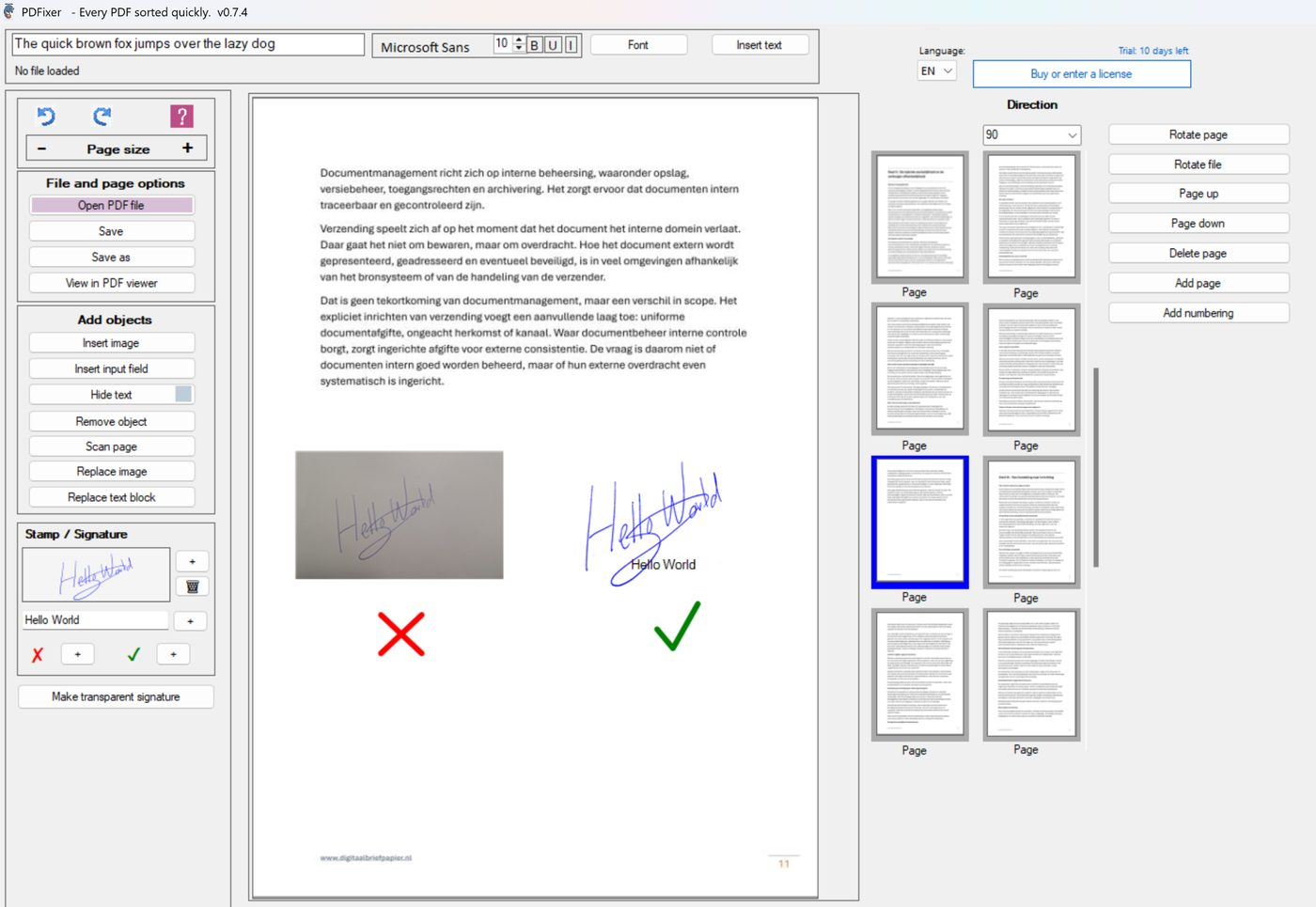
Add a signature image to a PDF — transparent PNG, no upload
PDFixer lets you place a handwritten signature image on any existing PDF page. Take a photo of your signature, remove the background in one click and position it exactly where it belongs. No browser upload, no Adobe account, no subscription.
The document stays on your own Windows PC throughout the entire process.
What is a signature image for PDF use
A signature image is a digital file — usually a PNG with a transparent background — that contains only the handwriting from your physical signature. You place it on a PDF page the same way you would place a photo or logo.
PDFixer creates this image automatically. Write your signature on white paper, photograph it with your phone, import the photo into PDFixer and the software removes the paper background. The result is a clean, reusable transparent PNG you can save as a preset and use on future PDFs.
This is not a cryptographic digital signature and it does not carry legal certification. It is a visible handwritten image placed precisely on a PDF page. For most practical purposes — offers, forms, internal approvals, correspondence — that is exactly what is needed.
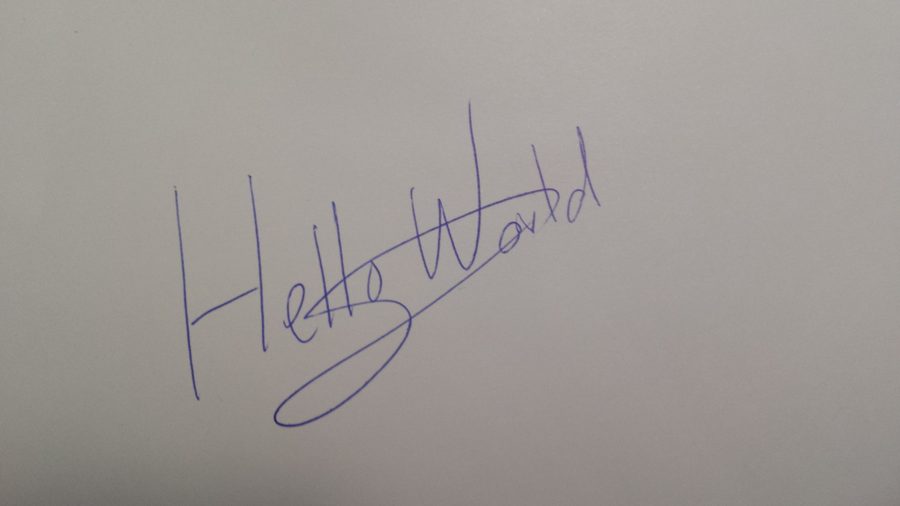
Before
a phone photo on paper

After
a reusable transparent signature PNG
From photo to signed PDF in seven steps
- Write your signature clearly on white paper.
- Take a sharp photo with your phone.
- Send the photo to your Windows PC (email or WhatsApp).
- Open your PDF in PDFixer.
- Import the photo and use the transparent signature tool to remove the background.
- Place the signature image on the correct PDF page and adjust the size and position.
- Save the PDF locally. Optionally save the signature as a preset for future use.
No Photoshop, no browser upload and no Adobe account. The entire process takes under two minutes once the preset is saved.
Signature image on an offer or contract
Place your handwritten signature exactly on the signature line. The PDF stays on your PC. Nothing is uploaded.
Convert an image to a digital signature
Import any handwriting photo and PDFixer strips the background. The result is a transparent PNG you can reuse on any PDF.
Transparent PNG signature maker for Windows
PDFixer saves your signature as a transparent image preset. One click to place it on the next document.
Why a local signature image tool is safer
Online signature tools are convenient for low-risk documents. They are a poor choice when the PDF contains customer data, financial details, contracts, personnel information or anything confidential.
PDFixer runs entirely on Windows. The PDF never leaves your machine. That makes it the right tool for accountants, legal support staff, office administrators and small business owners who handle sensitive documents daily.
Signature image versus electronic signature
An electronic signature platform — DocuSign, Adobe Sign, Foxit eSign — uses cryptographic certificates and identity verification. Those tools exist for legally binding workflows that require audit trails.
PDFixer does something different and simpler: it places a visible handwritten image on a PDF page. No certificate, no identity check, no account. For the majority of everyday signing tasks, that is exactly what is needed and far faster than a formal e-signing flow.
Also need a stamp or approval mark on a PDF?
PDFixer can also add approval stamps, paid marks, reviewed marks and checked marks to existing PDF pages. The workflow is the same: import the stamp image, remove the background if needed, position it and save locally.
Open PDFixer
These links point directly to the PDFixer website so Google can follow them from this already-indexed domain.
Typical tasks on this page
- Add a signature image to a PDF
- Create a transparent signature PNG from a photo
- Convert a handwriting image to a digital signature
- Make a signature PNG maker on Windows
- Place a digital signature from an image on a PDF
- Remove the background from a signature photo
- Save a reusable signature preset for future PDFs
FAQ about adding a signature image to a PDF
Short answers for people comparing tools or deciding whether PDFixer fits their workflow.
Can I use a phone photo as a signature image in a PDF?
What is a transparent signature PNG?
Is this the same as an electronic signature?
Does my PDF get uploaded to make the signature transparent?
Can I reuse the same signature image on multiple PDFs?
Can PDFixer also add a stamp or approval mark?
Try PDFixer — add your signature image to a PDF in minutes
Download PDFixer through the Microsoft Store installer. Free 14-day trial. One-time payment. No subscription.